Taxonomy
When a matter is classified as Corporate Law, or a client as belonging to an industry, the value is not free text. It is a concept from a shared legal vocabulary. The Taxonomy screen is where you browse that vocabulary, read a concept's definition, and find the exact term a field wants.
Open it from Records → Taxonomy.
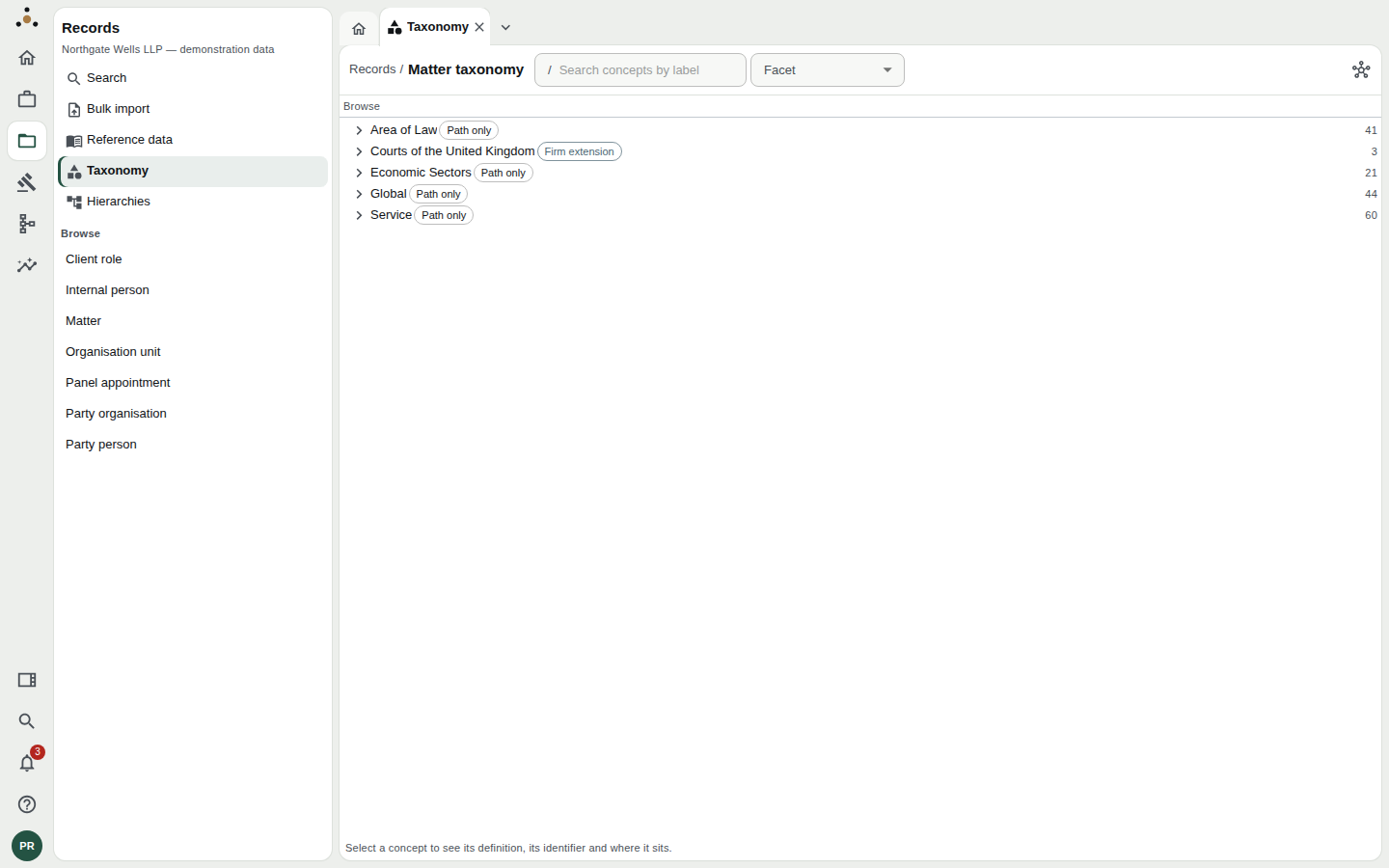
The taxonomy opens on its top-level branches. The figure at the right of each row is how many narrower concepts sit beneath it.
Where the vocabulary comes from
Datum's classification vocabulary is FOLIO — the Federated Open Legal Information Ontology, an open standard for describing legal matters, areas of law, courts, services and industries. It contains many thousands of concepts. No firm uses all of them.
So Datum separates two things:
- The vocabulary — all of FOLIO, pinned to a version.
- The firm's taxonomy — the concepts your firm has chosen to adopt from it, plus any concepts the firm has added of its own.
What you see here is the firm's taxonomy. Showing a steward the whole of FOLIO all day would only bury the handful of terms the firm uses. When the firm needs something new, an administrator adopts it from the full vocabulary — see Adoption below.
Browsing
Concepts are arranged as a tree. Click a row to open it, and click again on the arrow to expand its narrower concepts. Opening a concept does three things at once: it expands the tree to show where the concept sits, it updates the breadcrumb (Records / All concepts / Area of Law / Corporate Law), and it opens the inspector on the right.
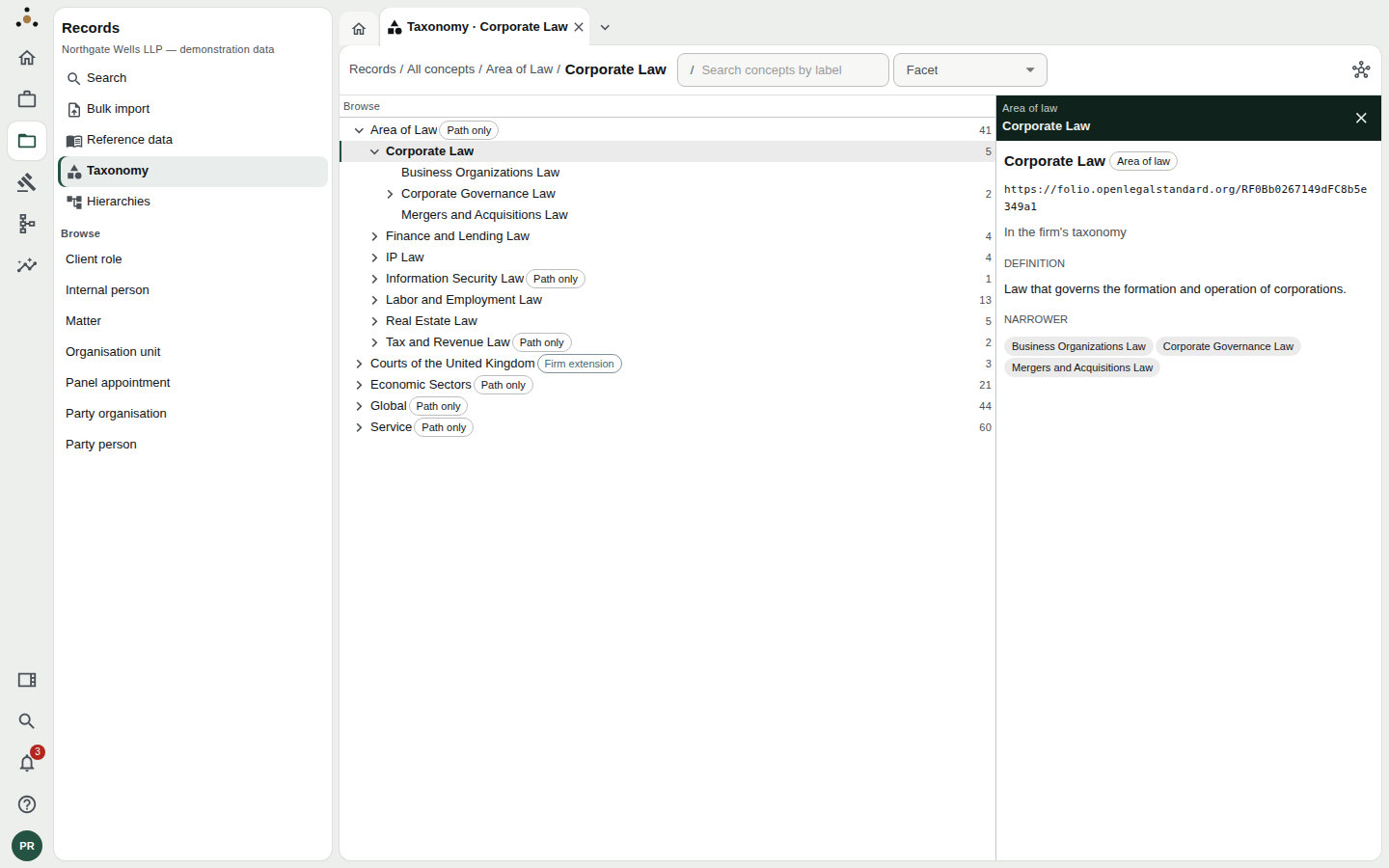
Corporate Law selected. The inspector gives the concept's identifier, whether it is in the firm's taxonomy, its definition, and the concepts beneath it.
The inspector shows:
- Name and facet — Corporate Law, facet Area of law.
- Identifier — the concept's IRI, a web address that uniquely names it. This, not the label, is what Datum stores. Labels can be reworded in a later version of FOLIO; the identifier does not change.
- Standing — In the firm's taxonomy.
- Definition — in the standard's own words.
- Broader, Narrower, and Also known as where the concept has them.
Facets
Concepts belong to facets — Area of law, Service, Industry, Jurisdiction, Court, Matter type, Player, Legal entity, Status and Other. Use the Facet filter beside the search box to show only one. If you are choosing an area of law for a matter, filter to that facet and you cannot pick a court by mistake.
Searching
Type in Search concepts by label. Results appear as a list with the number matching; Clear returns you to the tree.
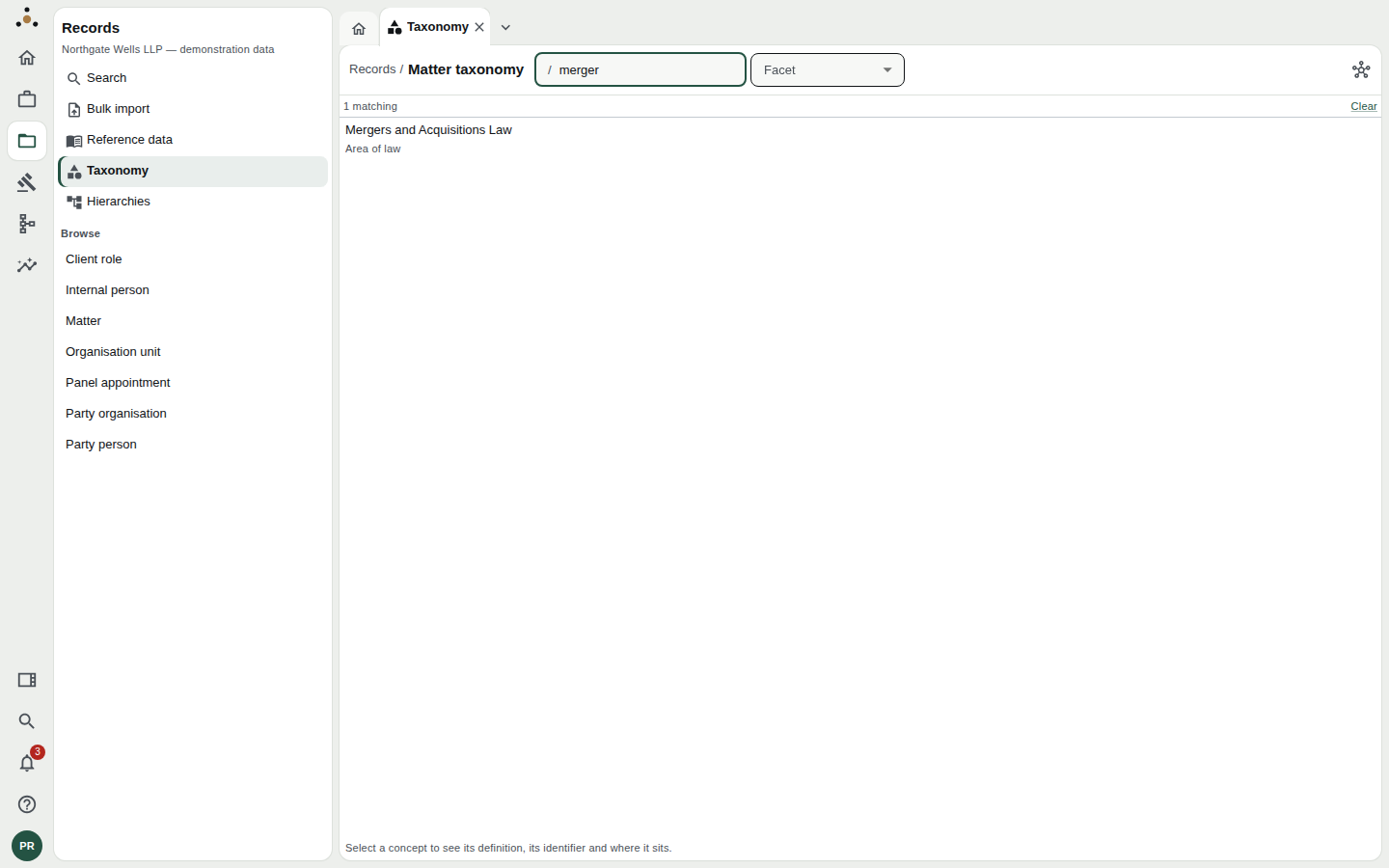
Searching for a word finds every concept whose label contains it.
The map
The icon at the top right of the screen switches from the tree to a map view: the same concepts drawn as a graph, with an arrow from each broader concept to the narrower concepts beneath it. The tree is better for finding a term; the map is better for seeing how a branch is shaped.
Reading the badges
Two small badges appear beside concept names, and they matter.
| Badge | What it means | What you can do |
|---|---|---|
| Path only | The concept is shown only because it is the way down to something the firm adopted. Economic Sectors appears because a particular sector beneath it was adopted. | Browse through it. You cannot classify a record as it. |
| Firm extension | A concept the firm created itself, kept in the firm's own namespace beside FOLIO rather than inside it. | Use it like any other concept. |
Classifying a matter as Economic Sectors would say nothing — it is a heading, not a sector. Datum therefore refuses it. If a field will not accept a concept you can plainly see in the tree, check for the Path only badge. The fix is to choose a narrower concept, or to ask an administrator to adopt the one you need.
A concept may also be marked Deprecated, with a Superseded by pointer to its replacement. Use the replacement.
Where the taxonomy is enforced
Five fields take their values from the firm's taxonomy:
- on a matter: area of law, service, jurisdiction and court;
- on an organisation: industry.
In those fields Datum accepts only a concept a record may be classified under — adopted by the firm, or the firm's own, and not deprecated. A value outside that set is refused when you edit a record, and quarantined when it arrives in a bulk import, in the same way an unmapped code is. In both cases the message names the field and the concept.
Removing a concept from the firm's taxonomy does not touch records already classified under it. They keep the identifier, and read as no longer in the firm's taxonomy. History is not rewritten.
Adoption is an administrator's act
A steward browses; an administrator adopts. Sessions holding the administration permission see two extra things on this screen:
- a Firm / FOLIO switch, which opens the whole vocabulary instead of the firm's selection;
- actions to Add to firm taxonomy (a single concept, or a concept with its narrower concepts), Remove from firm taxonomy, and Add a firm concept of the firm's own.
Each adoption or removal needs a reason, kept with the change, so the firm can say later why it uses this concept or stopped. Adopting a branch adopts the concepts in it at that moment; a concept FOLIO adds beneath it later does not slip in unnoticed. Removal is refused while a crosswalk targets the concept, or while a firm concept would lose its parent, and the refusal says which.
If you need a concept that is not there, ask an administrator, quoting the concept's name — or its identifier, if you found it in FOLIO.
If nothing has been adopted yet, the screen says The firm's taxonomy is empty — there is nothing to classify against. For an administrator, the message offers a way into FOLIO to begin choosing.
Tips
- Copy the identifier when you need to refer to a concept in an email or a ticket; two concepts can share a label in different facets, and the IRI is unambiguous.
- Don't confuse the taxonomy with reference data. Short firm-owned code lists live under Reference data.