First sign-in
Datum has no password of its own. You sign in with the same account you use for the rest of the firm — through your firm's identity provider — and Datum reads your directory groups from it to decide what you may do.
Sign in
- Open the address your administrator gave you. If you are not signed in you see the sign-in screen.
- Choose Sign in. You are taken to your firm's normal sign-in page.
- Sign in as you usually do, including any second factor your firm requires.
- You return to Datum on Home.
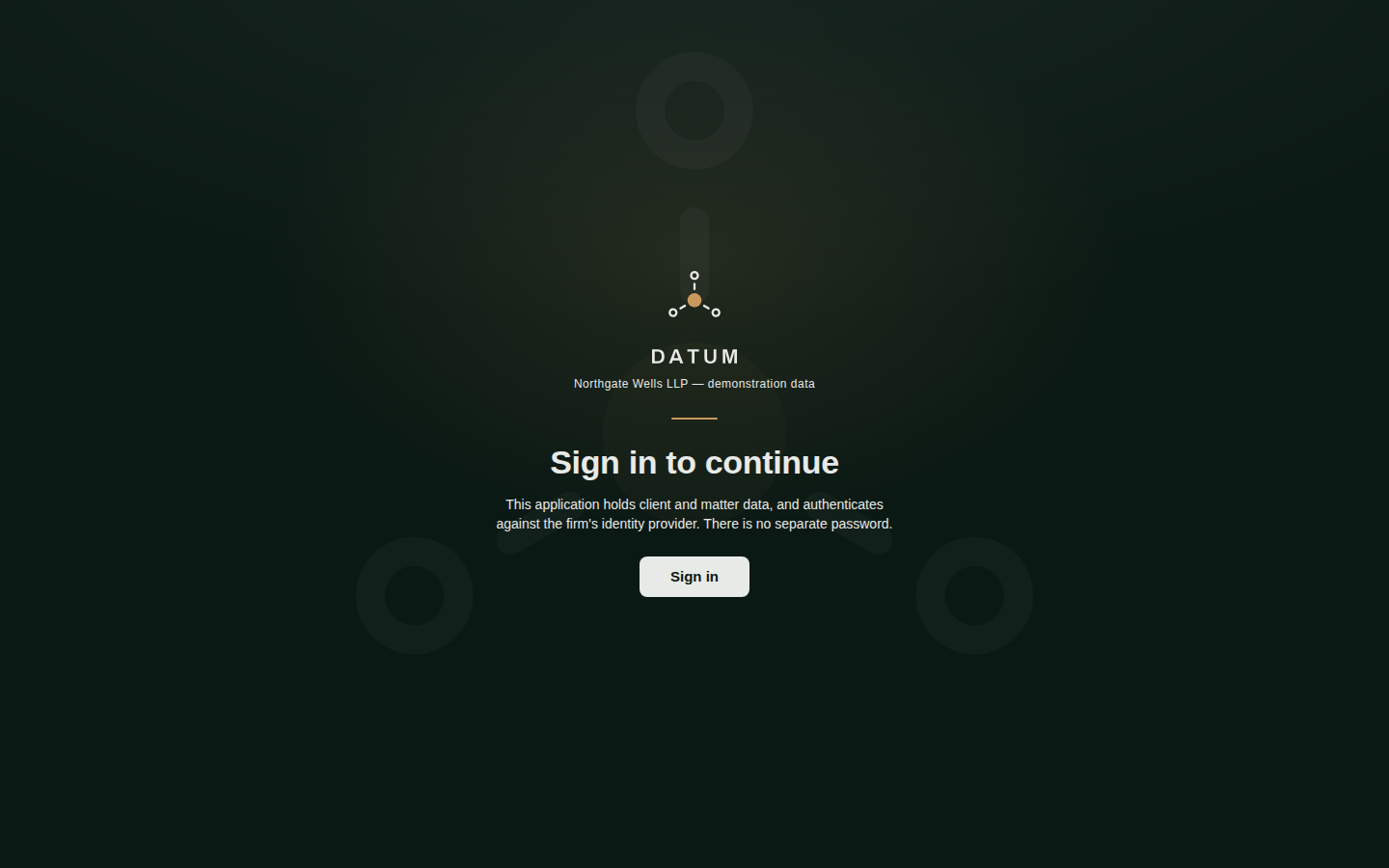
The sign-in screen. The wording is deliberate: this application holds client and matter data, and authenticates against the firm's identity provider.
What you see first
Your first screen is Home. What is on it depends on your role: a data steward sees queues and tasks; a fee earner sees the same cards for anything they may read, including the match-review count (reading is allowed, deciding is not, and that needs the steward privilege), plus a search box and the screens they may open; an administrator sees the health of the platform and anything waiting on a second administrator. A tour of the workspace walks through it.
Your session
- Sessions are short on purpose. Datum does not keep you signed in indefinitely; when your session ends you are returned to the sign-in screen.
- Unsaved work is protected. If your session ends while a form is open, Datum keeps what you typed in the browser window, and puts it back after you sign in again, ready to send. It tells you which: "It is kept in this window: sign in again and it is put back". If it could not be kept it says so, and the work is lost — so do not close the window in that moment.
- Signing out is in your account panel (your initials, bottom-left) and in the command palette.
Datum shows client and matter data. Sign out when you leave a shared or unattended machine.
If you arrive to an empty application
Sometimes you sign in successfully and find almost nothing on Home. The most common cause is that none of your directory groups has been given a Datum role yet — typical for a new joiner who is, so far, only in the firm-wide group.
You see a message headed You hold no role in Datum. It means your account exists but nothing you belong to confers access. There is nothing for you to fix on the screen:
- Open your account panel and note the Roles (it will say you have none).
- Ask your administrator which directory group you should be in. They can check it on People and access.
This is not a fault, and it is not a refusal of you personally. Access in Datum comes from groups your firm maintains in its own directory; Datum does not create users. See Roles and access.