Tenant settings
Administration → Tenant settings holds the few facts about the firm itself that Datum prints on the documents it produces and uses to interpret dates and money.
These are facts about the firm, not about any client. Changing them requires the administration permission and reveals no record.
What is here
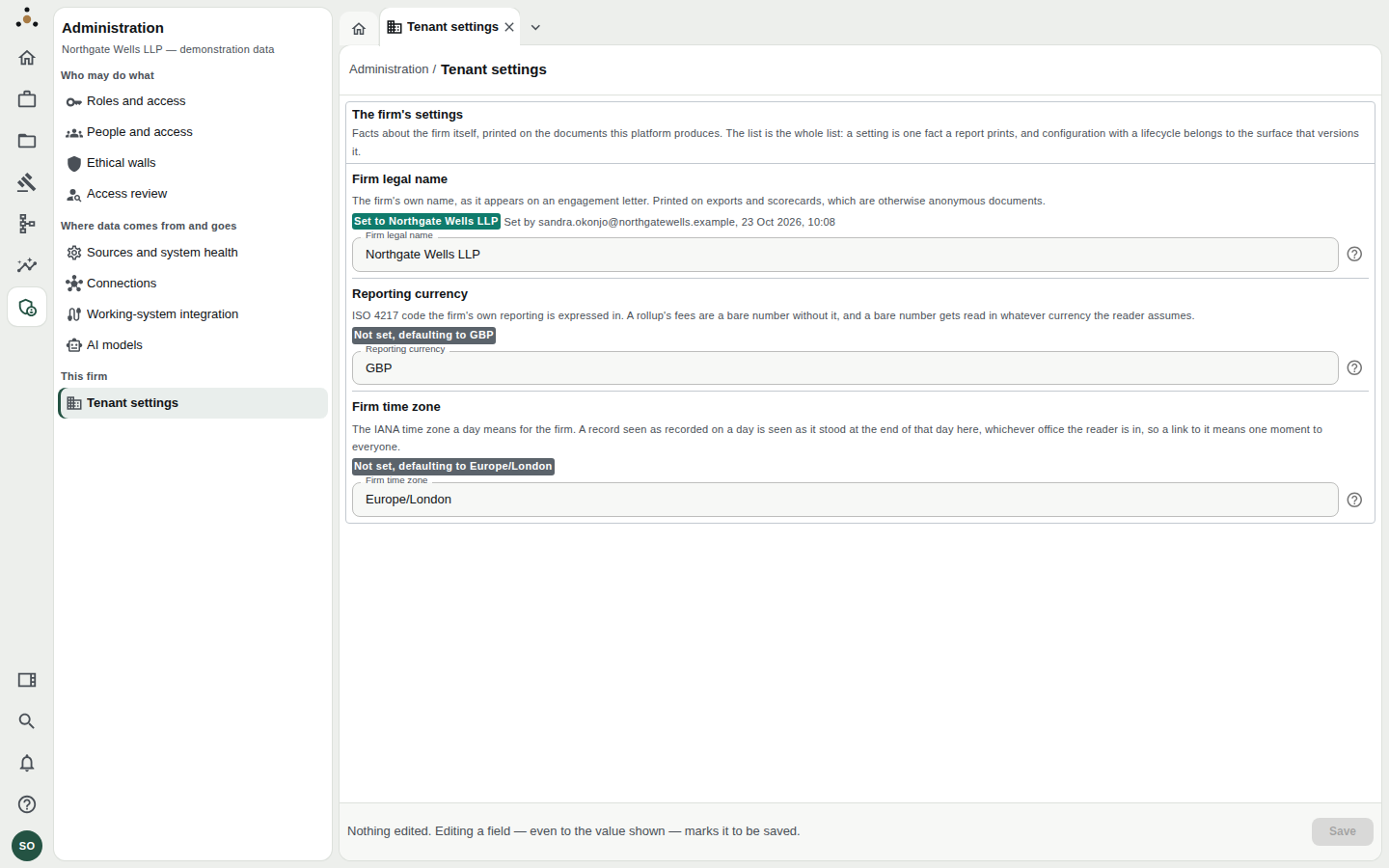
Three settings, each with a one-line explanation of where it is used and a note of who last set it.
The list is the whole list: a setting is one fact a report prints. Configuration that has a lifecycle (drafts, approvals, versions) belongs on the screens that version it — roles, walls, thresholds — not here.
| Setting | What it is | Where it appears |
|---|---|---|
| Firm legal name | The firm's own name, as on an engagement letter. | Printed on exports and scorecards, which are otherwise anonymous documents. |
| Reporting currency | An ISO 4217 code, such as GBP. | Rollup fees. A bare number without a currency gets read in whatever currency the reader assumes; this removes the ambiguity. |
| Firm time zone | An IANA zone, such as Europe/London. | What a day means. A record viewed as recorded on a date is shown as it stood at the end of that day in this zone, whichever office the reader is in — so a link to it means one moment to everyone. |
Provenance
Each setting shows how it got its value:
- Set to … with Set by and the date — somebody chose it.
- Not set, defaulting to GBP (or
Europe/London) — nobody has chosen; the platform default is in effect.
A default is visible as a default, rather than quietly looking like a decision.
Changing a setting
- Edit the field. The save bar at the bottom changes from Nothing edited to name what you changed.
- Choose Save.
Editing a field — even to the value shown — marks it to be saved. This is how you convert a default into a recorded decision: retype GBP, save, and the setting now reads Set to GBP with your name and the date.
The ? beside each field repeats the setting's meaning and the form it takes.
Changing the firm time zone changes what "the end of that day" means for every as at view, for everybody. Do it deliberately, tell stewards, and do not expect an old link to show the same instant afterwards.