AI models and routing
Administration → AI models is where the firm decides which AI model endpoints Datum may talk to and which kinds of work each one may do. It is administration, not stewardship, because a model endpoint is a processor the firm has approved and a route decides what record content reaches it — a procurement decision, not a data-quality one.
Configuring a model does not give you access to the content sent to it. And no assistant can write to a record (see below).
The safe default
Nothing is sent anywhere until a kind of work is routed to a model. An unconfigured platform produces no AI suggestions, and says so — the stewards' suggestions screen explains that nothing is configured rather than implying the AI "found nothing".
The four tabs
| Tab | Purpose |
|---|---|
| Models | The endpoints the firm has approved. |
| Routing | Which model serves which kind of work. |
| Assistants | Agents that watch one entity and propose corrections. |
| Usage | What the calls cost, per prompt and per model. |
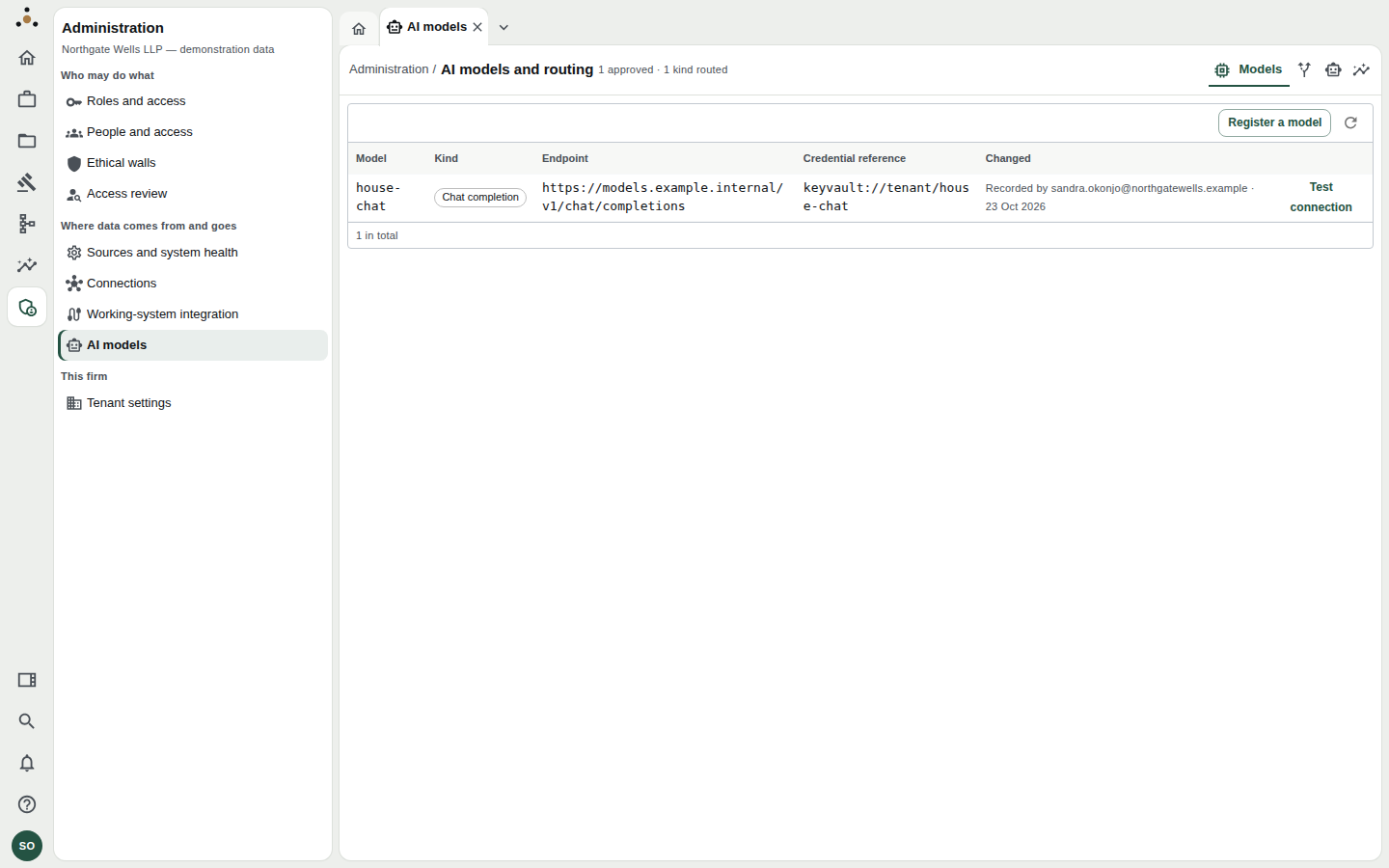
The Models tab. The heading summarises: 1 approved · 1 kind routed.
Registering a model
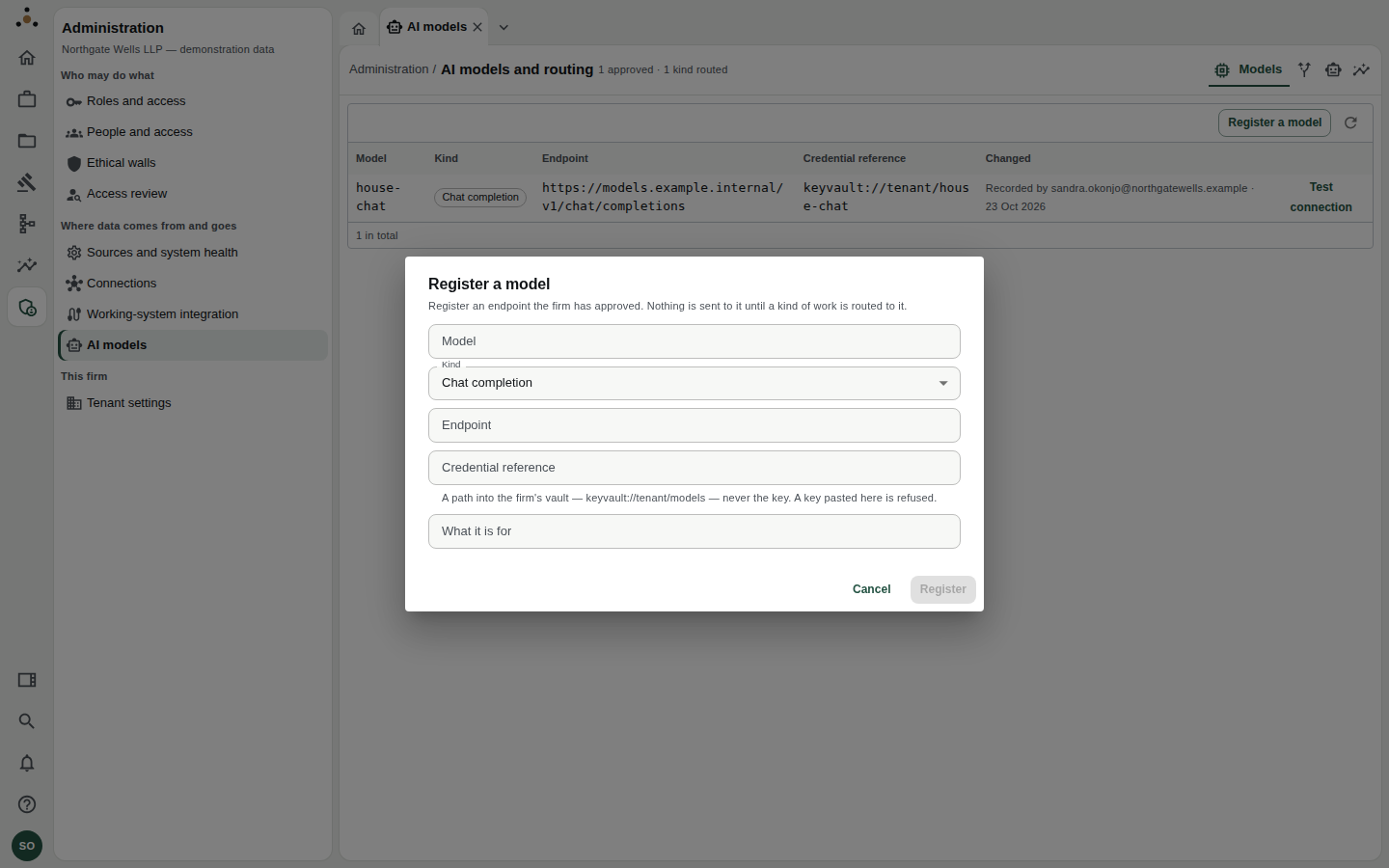
Register an endpoint the firm has approved. Nothing is sent to it until a kind of work is routed to it.
- Choose Register a model.
- Model name (for example
house-chat), Kind (Chat completion or Embeddings) and a short description of what it is for. - Endpoint — the URL of the service.
- Credential reference — a path into the firm's vault, such as
keyvault://tenant/models. Never the key. A key pasted here is refused; if what is stored reads as a key rather than a reference, it is shown as Withheld. - Choose Register.
Then choose Test connection on the model's row. It reports either "house-chat answered with status 200 in 140 ms" or "could not be reached", before anything depends on it.
A model that answers the probe is reachable; it says nothing about what it will do with record content. Review the provider's data-processing terms first.
Routing work to a model
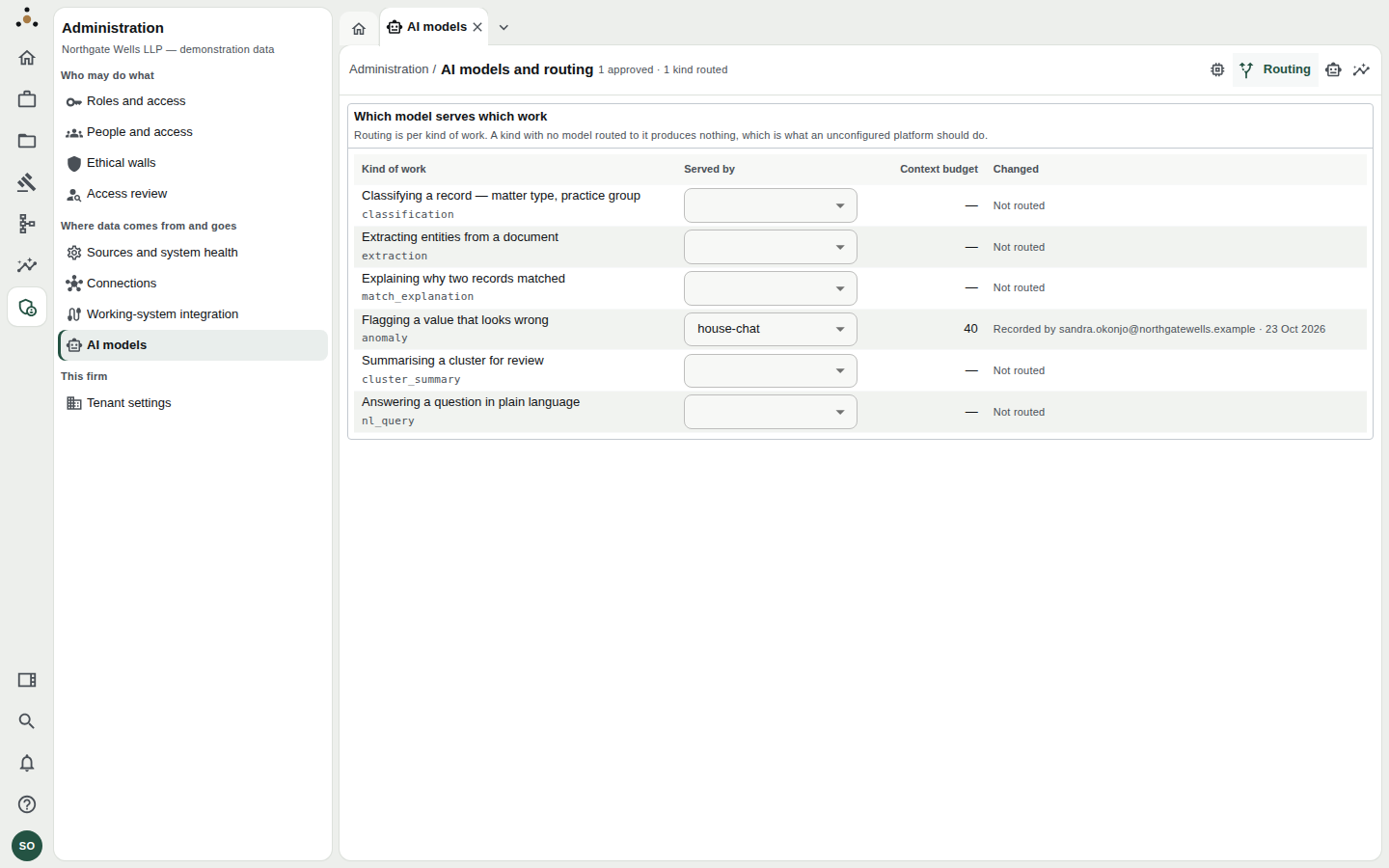
Routing is per kind of work. In the demonstration, only Flagging a value that looks wrong is routed.
Six kinds of work can be routed:
| Kind of work | What it does |
|---|---|
| Classifying a record | Matter type, practice group. |
| Extracting entities from a document | Pulls parties and details out of text. |
| Explaining why two records matched | Gives a reviewer a readable reason. |
| Flagging a value that looks wrong | Anomaly detection. |
| Summarising a cluster for review | A short summary for a steward. |
| Answering a question in plain language | Natural-language search. |
For each, choose a model from Served by and choose Save. A confirmation appears: "house-chat serves this kind of work from its next suggestion, and the record content that work needs is sent to https://…". Read the endpoint named there. The Context budget column shows the cap on how much is sent.
To stop a kind of work, set it back to blank. No model will serve it, so it produces nothing until one is routed to it again.
Choosing a model for Extracting entities from a document sends document text to that endpoint. Client terms may forbid it (for example AI prohibited or a Processing region), and those terms are enforced — see Working-system integration — but the administrator is the first line of judgement.
Assistants
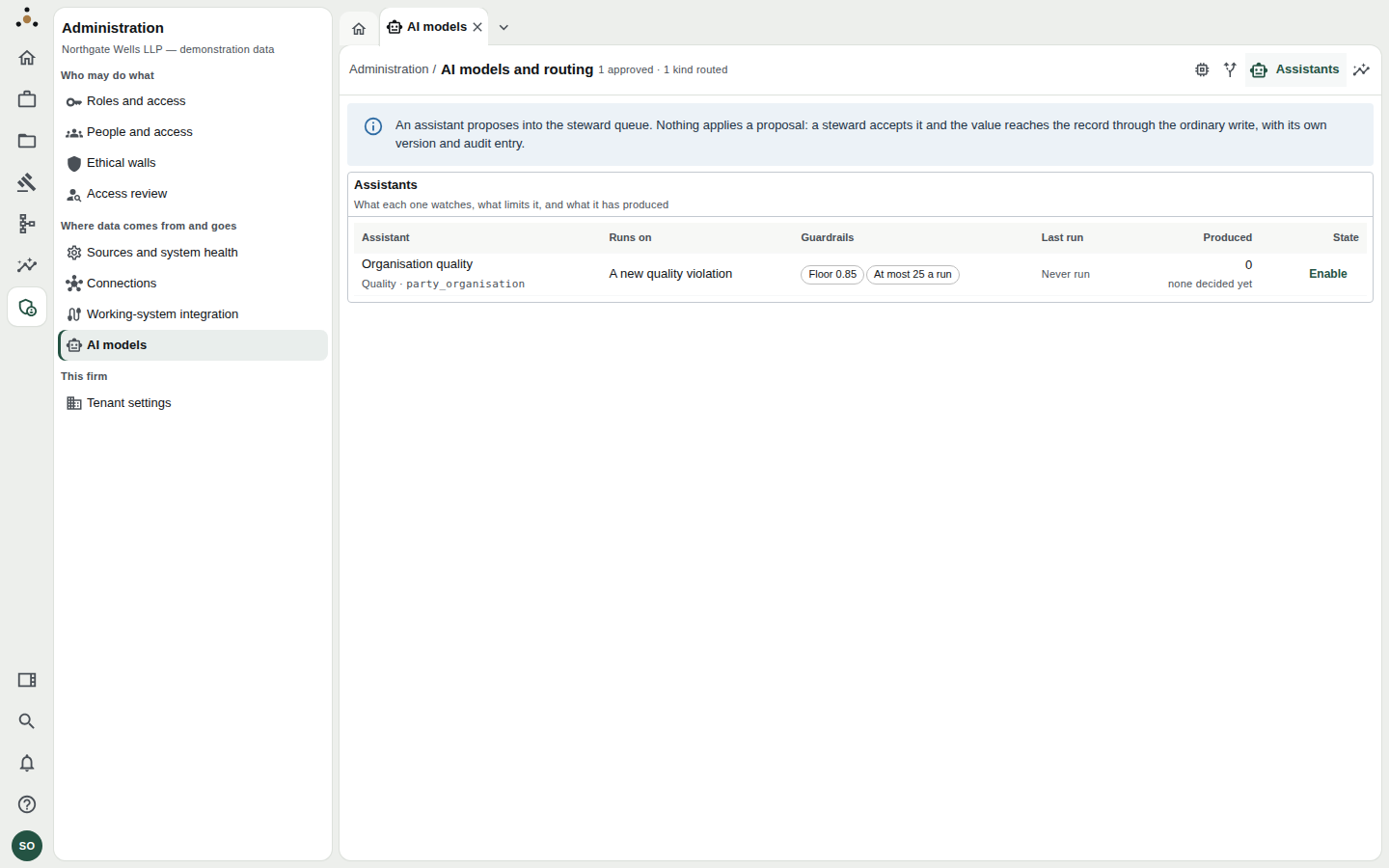
Each assistant watches one entity.
An assistant watches one entity and proposes corrections or missing values into the steward queue. For each, the tab shows what it runs on (a new quality violation, a load completing, on demand, or a schedule), its guardrails (a confidence floor and a cap per run), when it last ran, what it produced, and its acceptance rate.
Choose Enable or Disable. Assistants flagged Personal data may be shown, and may propose against, attributes holding personal data: a model endpoint is a processor.
No assistant applies anything. A proposal enters the steward queue; a steward accepts it, and the value reaches the record through the ordinary write, with its own version and audit entry (ADR-0033).
Usage
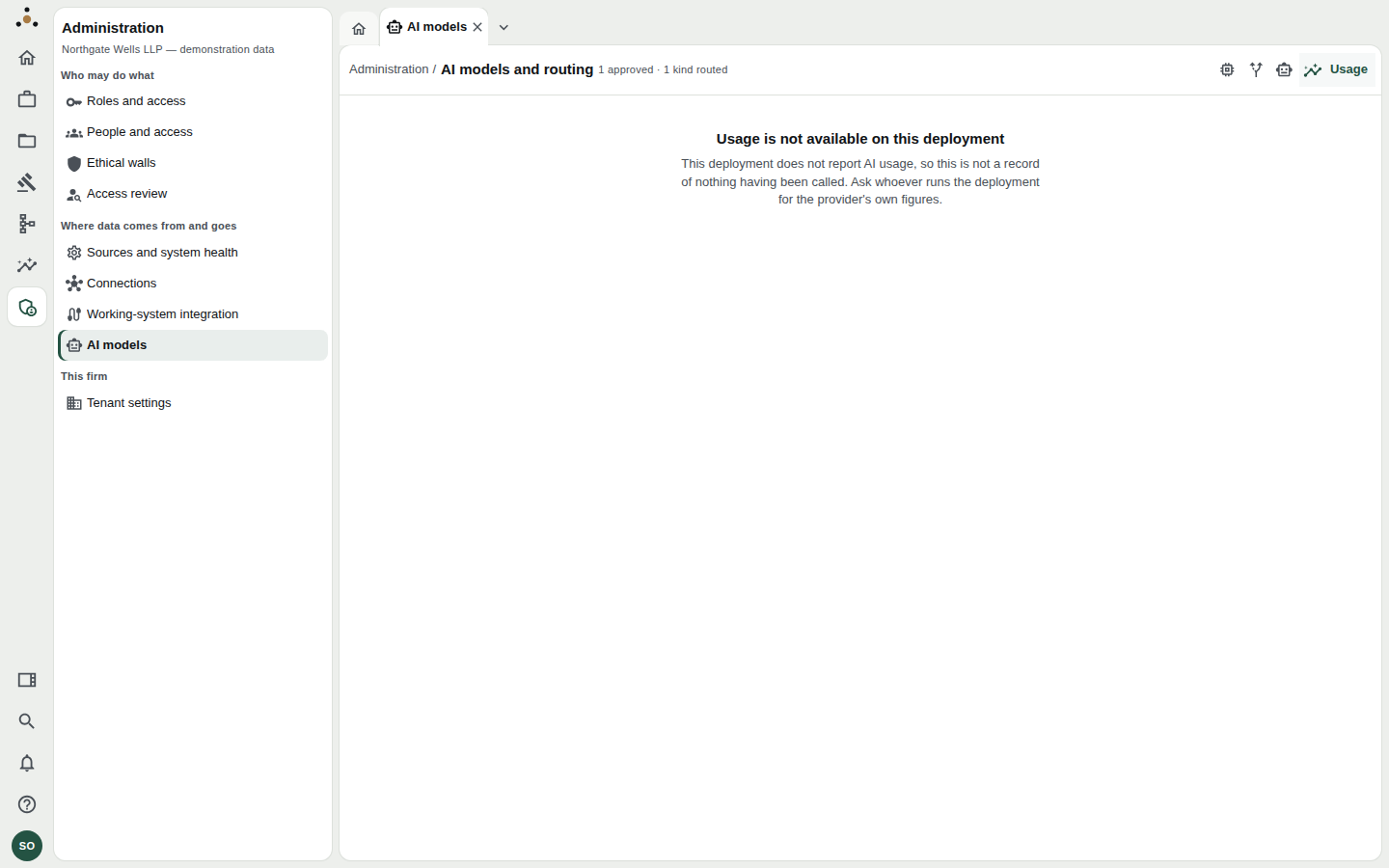
Calls, tokens and median latency per prompt.
Usage is recorded per prompt and per model, so the answer to why did the bill grow? is a prompt name rather than a total. If the deployment does not report usage, the tab says Usage is not available — which is not a record of nothing having been called. Ask whoever operates the deployment for the provider's own figures.
Related
- Working-system integration — client terms that prohibit AI.
- Two-person approvals